Log archives, mainly environment setup and issue resolving.
Deployment Templates of AWS Services via AWS CDK (in TypeScript)
WAFv2
Considering the comparison table shown below (from https://blog.dream11engineering.com/enhancing-security-and-trust-with-aws-wafv2-8b050b1cba37)
The WCU requirements for a rule group are determined by the rules that you define inside the rule group. The maximum capacity for a rule group is 1,500 WCUs. The basic price for a web ACL includes up to 1,500 WCUs The maximum capacity for a web ACL is 5,000 WCUs.
and AWS doc shown above (from https://docs.aws.amazon.com/waf/latest/developerguide/aws-waf-capacity-units.html) use WAFv2 instead of WAF Classic(v1)
C++ Implementation of LRU & LFU Cache
LRU (Least Recently Used) Cache
Referring to LeetCode Q146 https://leetcode.com/problems/lru-cache/
Description
LRUCache(int capacity)Initialize the LRU cache with positive size capacity.int get(int key)Return the value of the key if the key exists, otherwise return -1.void put(int key, int value)Update the value of the key if the key exists. Otherwise, add the key-value pair to the cache. If the number of keys exceeds the capacity from this operation, evict the least recently used- The functions
getandputmust each run inO(1)average time complexity.
Data Structure Used
To satisfy the O(1) average time complexity for get and put,
Visual Studio Code C/C++ Extension Setup on M1 Mac
Prerequisites
-
Visual Studio Code extension
ms-vscode.cpptools -
Xcode Command-line Tools / Xcode IDE
- To install Xcode Command-line Tools:
xcode-select --install - To install Xcode IDE:
mas install Xcode
- To install Xcode Command-line Tools:
Test Environment
-
Visual Studio Code 1.54.3 (Universal)
- Commit: 2b9aebd5354a3629c3aba0a5f5df49f43d6689f8
- Extension: ms-vscode.cpptools v1.2.2
-
macOS 11.2.3
$ uname -v Darwin Kernel Version 20.3.0: Thu Jan 21 00:06:51 PST 2021; root:xnu-7195.81.3~1/RELEASE_ARM64_T8101 -
Xcode 12.4 (12D4e)
$ clang --version
Apple clang version 12.0.0 (clang-1200.0.32.29)
Target: arm64-apple-darwin20.3.0
Thread model: posix
InstalledDir: /Applications/Xcode.app/Contents/Developer/Toolchains/XcodeDefault.xctoolchain/usr/bin
Setup
Modify the settings.json in Visual Studio Code as shown below
Converting Video to ASCII via LibCACA
Method 1: Screen Recording
在 CPU 性能足够的情况下,可以通过录制屏幕的方式来获得 LibCACA 输出的 ASCII 视频
1. List Devices
列举出 AVFoundation 的输入设备
ffmpeg -f avfoundation -list_devices true -i ""
2. Rec Screen
在第一步的基础上,使用 FFmpeg 选择需要的输入设备进行录制
# e.g.
ffmpeg -y -f avfoundation \
-i 1:3 -framerate 30 \
-c:v libx264 -r 30 -pix_fmt uyvy422 \
-preset slow -crf 19 \
-c:a aac -b:a 192k \
"$INPUT $(date "+%Y-%m-%d %H-%M-%S").mp4"
* Rec Terminal
另一种办法是录制终端字符,在此使用现成的终端录制项目:
CloudKit Keychain Database's Crash Problem And Recovering Solution
现象描述
包括但不限于以下表现
1. 异常流量
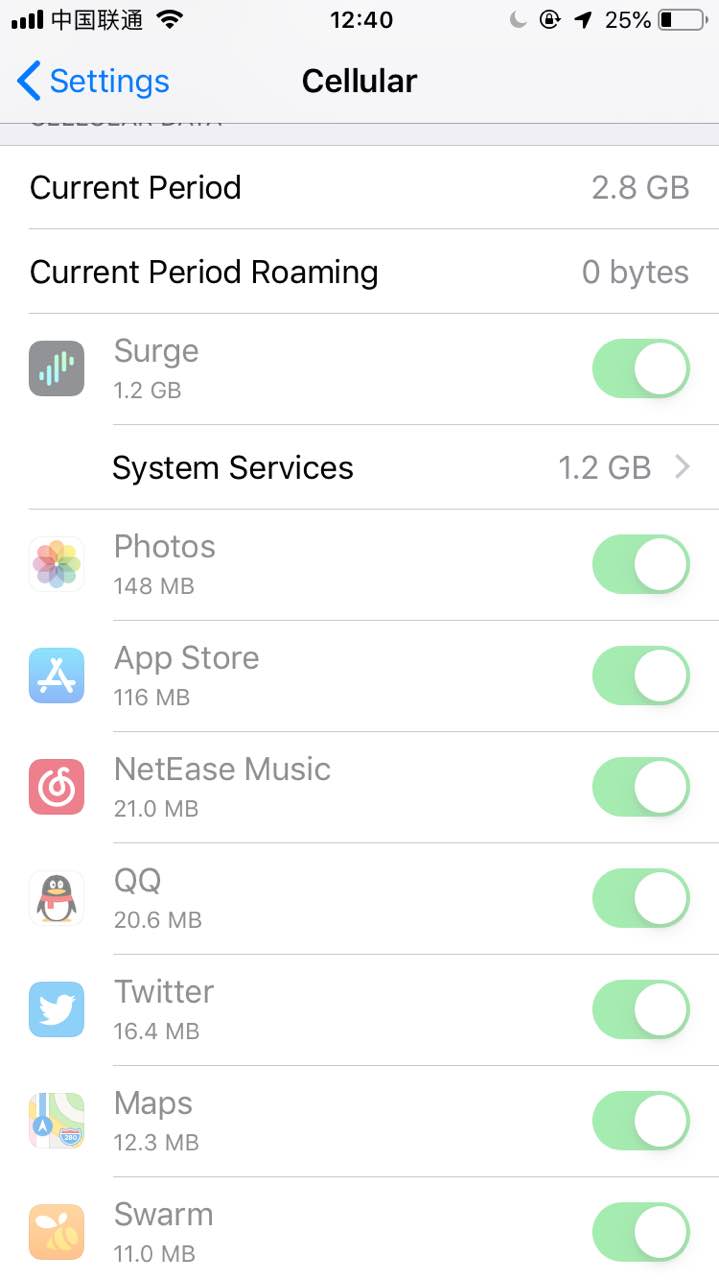
- iOS 出现大量异常流量,如果是在 Cellular 环境下,表现为 Setting > Cellular 中,Cellular Data 栏目出现大量的 System Service 流量,表现在 Documents & Sync 栏目中,如图。
- 若安装了网络代理软件如 Surge,可发现异常流量主要是在与
icloud-content.com通信产生的 HTTPS 下行流量,如图。
2. 设备运行异常且大量发热
- 设备可能会出现极其严重的卡顿,以至于进行难以操作,同时大量发热。
3. 大量第三方应用无法打开
- 大量第三方应用可能会出现无法打开的情况,具体表现为:在 Splash Screen 卡顿,直至 10 秒后被系统强制退出的现象。
目前发现「腾讯系」与「阿里系」应用似乎影响较小,可能 QQ、WeChat、AliPay 等应用仍然可以打开
4. iCloud Keychain 数据库大小异常
- 在 Mac 的
~/Library/Keychains/[UUID]/keychain-2.db可见keychain-2.db大小异常,可能为数百兆字节甚至超过 1 吉字节(正常大小应为几十兆字节)。 - 使用 Sqlite 或相关 Sqlite 的 GUI 软件可见
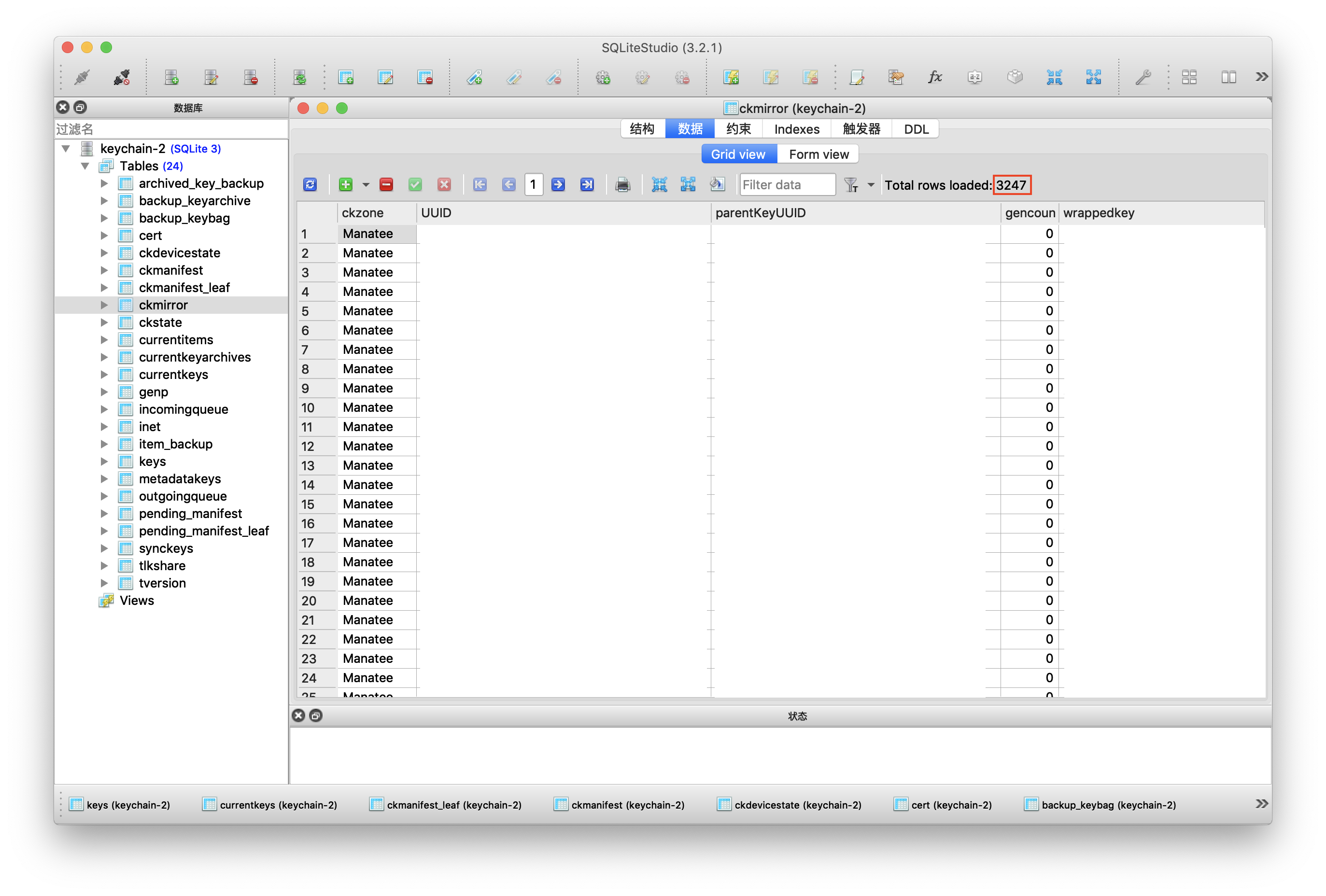
keychain-2.db中表ckmirror的数据项可能多达近 30000,正常情况应为几千条,正常情况如图(图为本人恢复后的截图)。
更详细的现象描述与分析可参考:iOS 异常流量消耗及大范围应用闪退问题的分析
iWork 版本管理文件清理(HFS+ Only)
13/06/2018 更新
如今在 APFS 下,Apple 似乎已经弃用了这套版本管理逻辑,所以版本管理也不再臃肿。
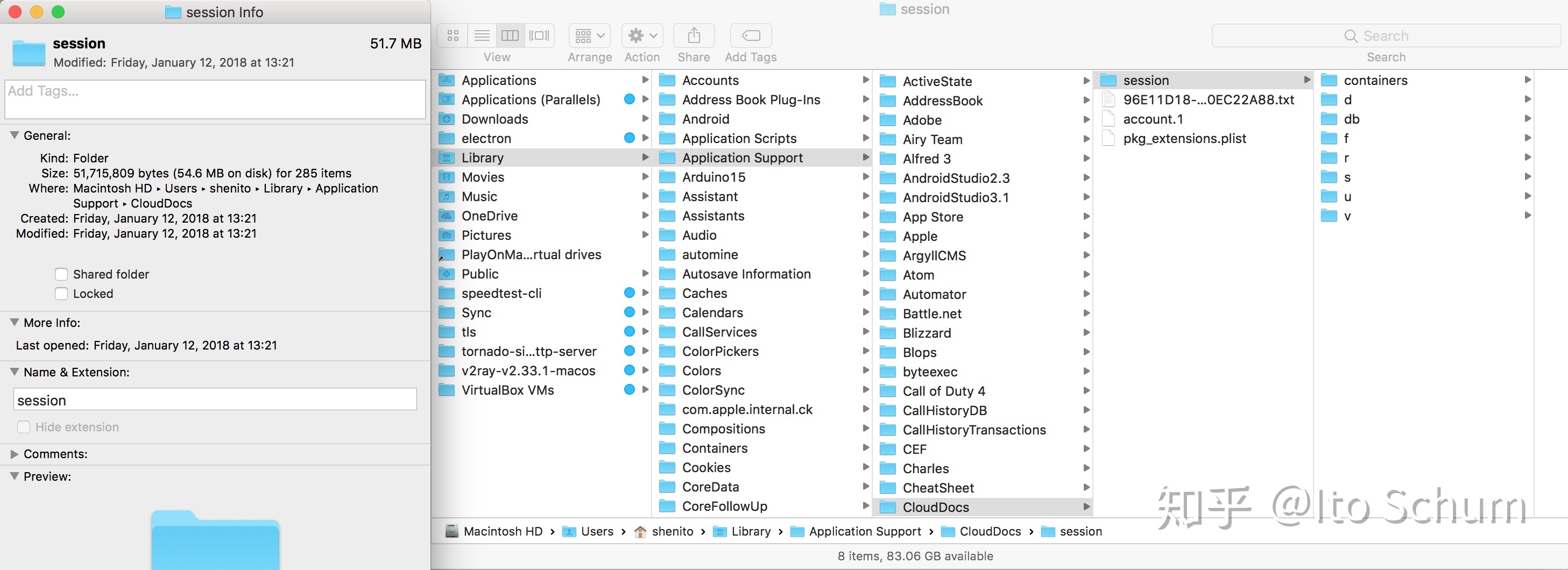
今天打开 About This Mac > Storage > Manage > Review Files > File Browser, 突然发现了 ~/Library/Application Support/CloudDocs/session/r 目录下大量的 iWork 版本管理文件,而且一看容量有 13.5GB(如下图)。
这样来看 iWork 文件华丽的版本管理背后并不光彩,Apple 没有选择增量备份,而是简单粗暴地用副本来完成类似 Time Machine 的版本管理(如封面图)。
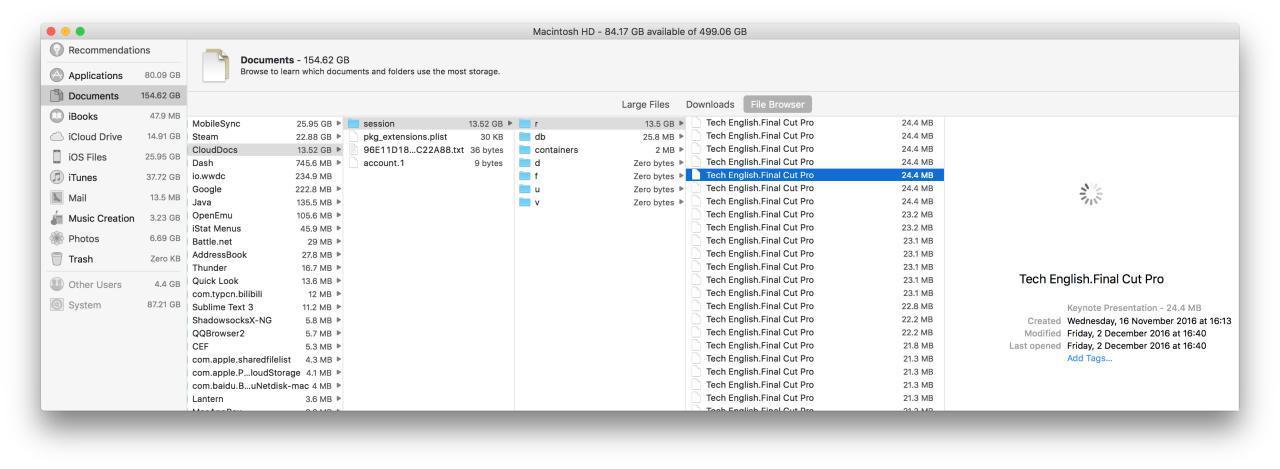
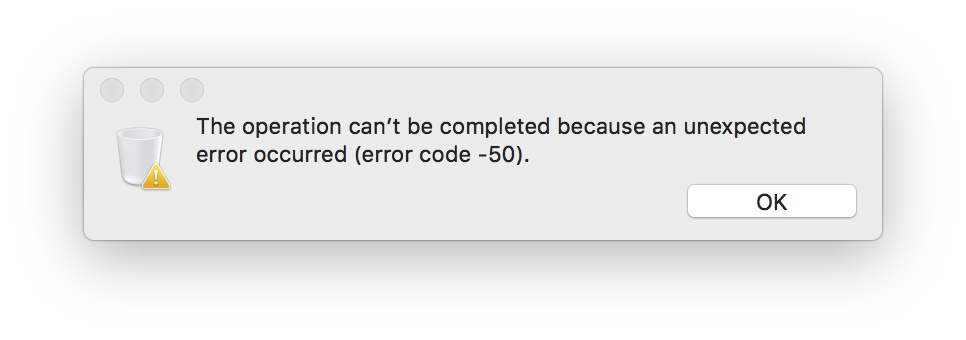
之后不论是 File Browser 还是 Finder 都无法删除这些 History Edition 文件(如下图)。
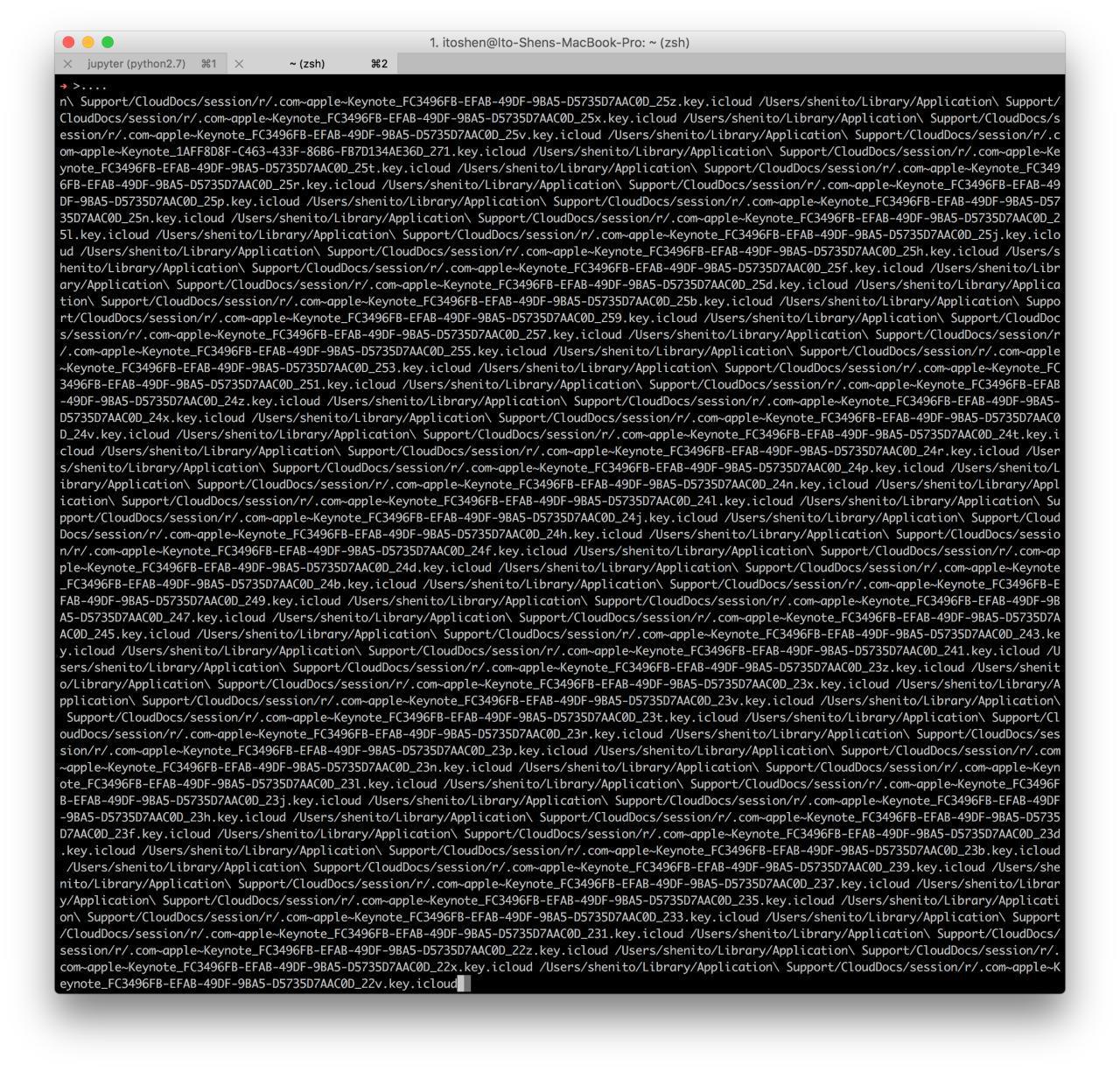
无奈只好用 rm 命令再把文件拖入 Terminal 强删(如下图)。
另外不知为什么此目录下的文件虽然不是隐藏文件,但在 Terminal 中是不可见的,需 ls -a / -al(如下图)。
remove 完较大的 Keynote History Version 文件之后,算是清理出了不少硬盘空间,可能这就是所谓的 Purgeable 文件吧(如下图)。